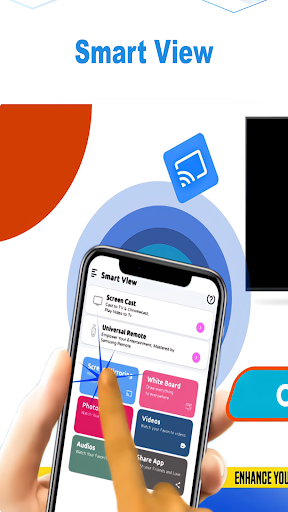
Mirror a phone screen to the TV
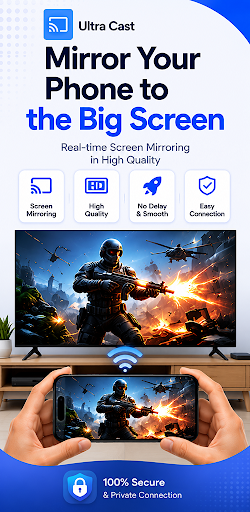
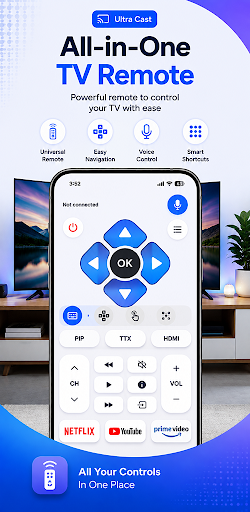
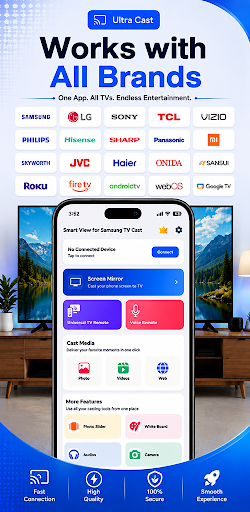
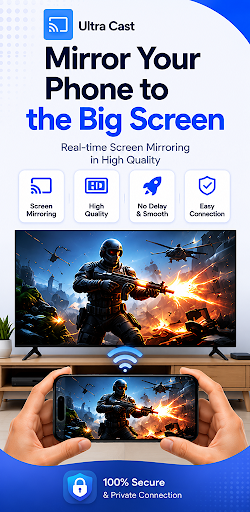
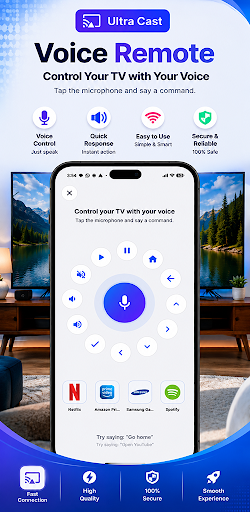
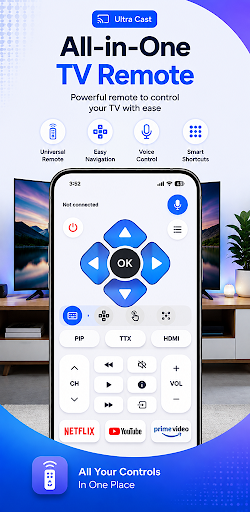
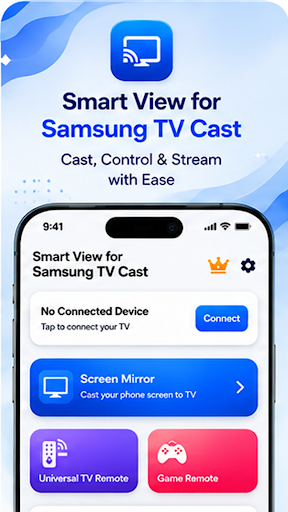
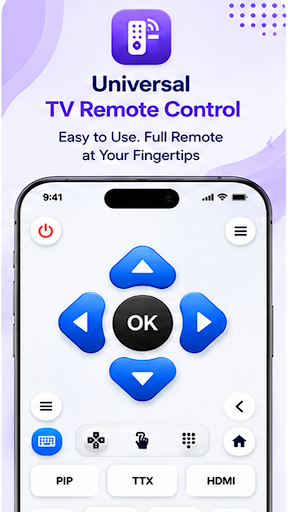
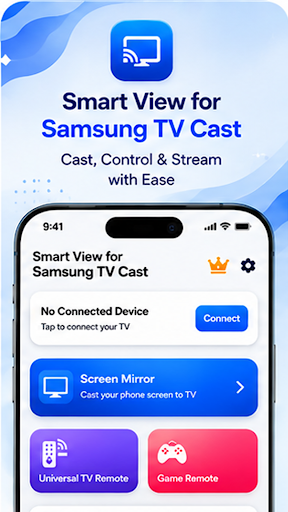
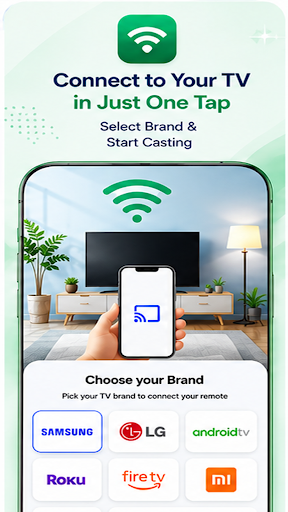
Smart View for Samsung TV Cast is a screen-mirroring and media-casting tool from Smart Remote Apps. It is aimed at people who want to show phone content on a larger television, whether for watching videos together, sharing photos, or displaying mobile games. The app is a third-party product; despite its name, it is not made by Samsung.
What it can share
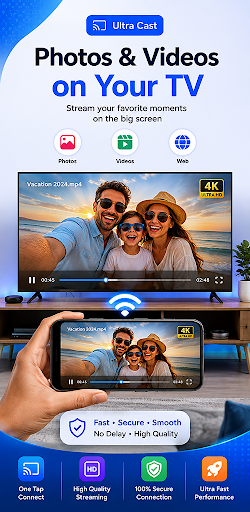
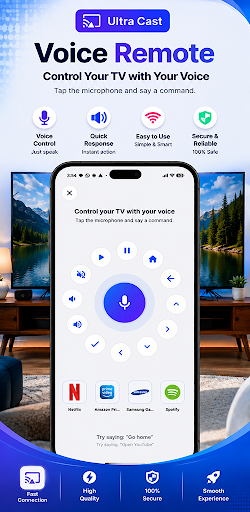
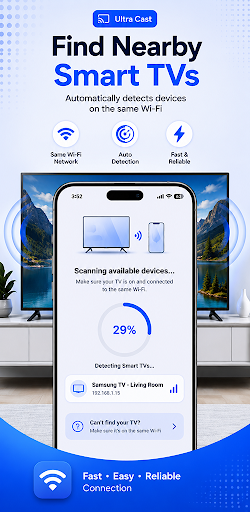
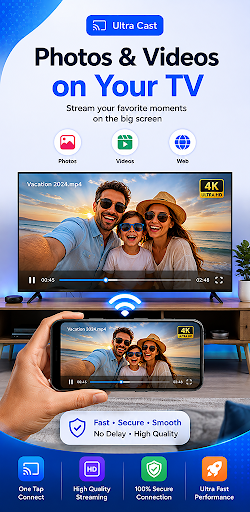
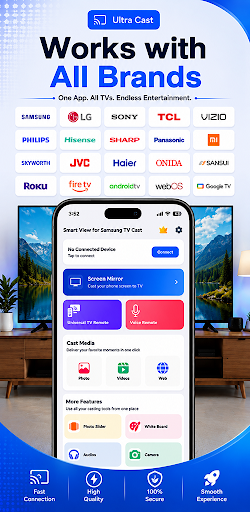
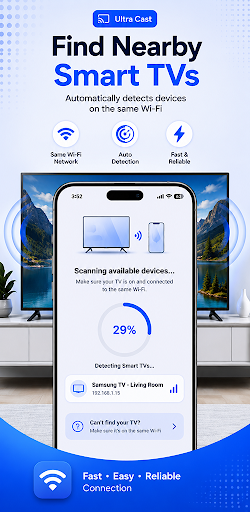
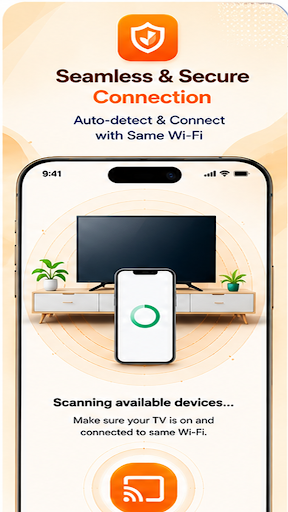
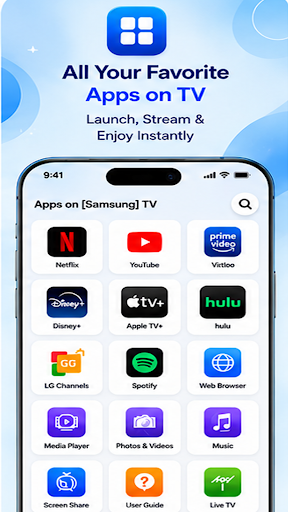
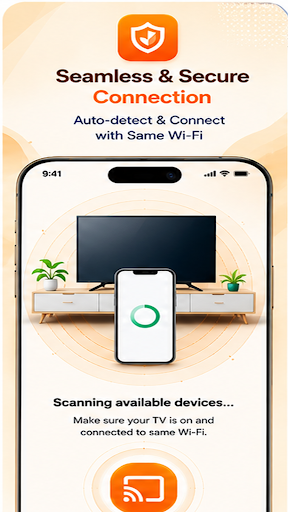
The app is described as supporting screen mirroring as well as casting media such as photos, videos and music. It is intended for use with compatible smart TVs and TV devices, including Android TV and Chromecast or Miracast-enabled equipment. The phone and television generally need to be on the same Wi-Fi network for discovery and connection, and the available options depend on the receiving device.
- Mirror the phone display on a compatible television
- Cast selected media to a larger screen
- Use it with supported smart TVs and TV devices
Who may find it useful
This is for households that want to put phone content on the living-room screen without relying on a small display. It may also suit someone who wants to show a photo album or a game to other people nearby. It is less relevant if the television does not support a compatible casting method, or if you only need to play content through the TV’s own apps.
What the listing suggests
The app has more than 5 million installs and a rating of 3.13 from 38,445 ratings. That level of use indicates a broad audience, while the rating is mixed rather than a clear endorsement. Those figures can help set expectations, but they do not tell you how well the app works with a particular phone and television pairing.